
Connection cable 42ARC104
connection cable for steering wheel control adapters Clarion and JVC
More about the product
More about the product
We will help you with your purchase
- You can return the goods to us within 14 days
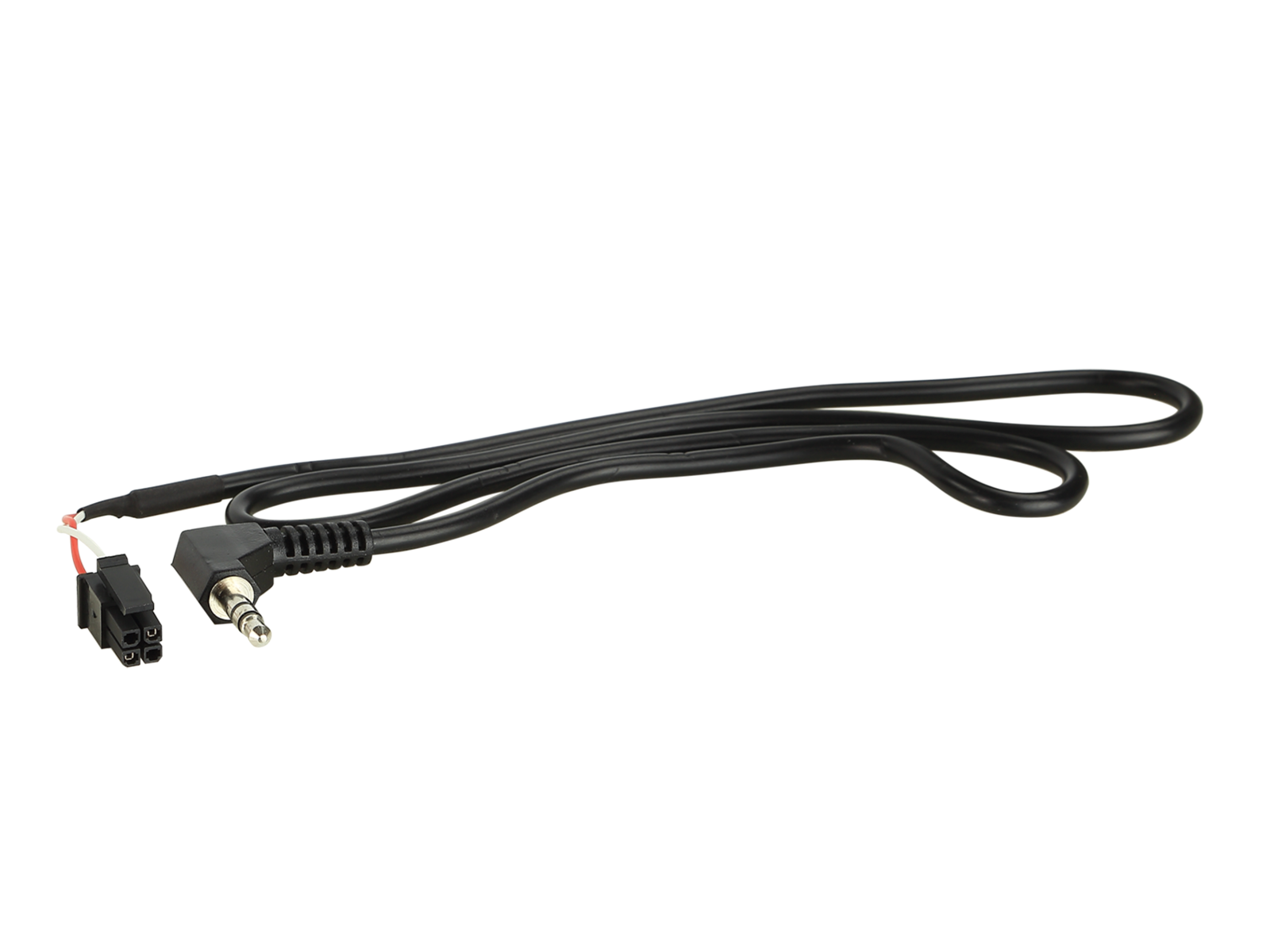
Connection cable for steering wheel control adapter 42ARC104
- Connection (patch) cable for connecting Clarion and JVC aftermarket head units to steering wheel control adapter (LFB/SWC).
- Different head unit manufacturers use different types of control inputs: single-wire, two- or multi-wire (Key1/Key2/GND) or 3.5 mm jack input – the exact version is specified in the manual (BDA) of the specific head unit.
- All required connection wires must be connected before connecting the interface to the vehicle.
- For some units, it is necessary to “learn” (remap) steering wheel button functions in the unit menu according to the manufacturer’s BDA instructions.
- Always test correct functionality before final installation.
Warning
- Connection: 4 pin Molex → 3.5 mm jack.
- LFB connection cable for 42cx401 interface (compatible with 42a-xxxx-xxx kits).
- DIP switch setting: according to the table below (ON/OFF mode).
- Atoto aftermarket units are not supported.
- Must be ordered together with the appropriate steering wheel control adapter.
- How steering wheel adapters and patch cables work can be found via the referenced link.
Designed for head units:
- Clarion – 3.5 mm jack connection.
- JVC – 3.5 mm jack connection.
DIP switch settings for 42cx401:
- Clarion – ON / ON / OFF.
- JVC – ON / OFF / ON (alternative: ON / ON / ON).
| Catalog number | 42ARC104 |
| Brand | ACV |
| Links | Official web presentation |
Evaluation
ask us